
How to Check a U7777 Download Source
Before opening an app file or saving a shortcut, check which page it came from, who is identified as the publisher and what your device is asking you to do.
Start with the destination
Read the full address when a link opens. A logo, familiar name or search result can look convincing on a page hosted somewhere else.
Check the confirmed Android release
For the U7777 India release confirmed here, the publisher is U7777 India Official, the version is v2.1.9, the release reference is u7777.1597 and the update date is 15 September 2026. Compare these details with the information shown through the platform.
Check the publisher and the file
If you find a store listing, read the publisher’s name and developer details. For a direct download, check the originating page and the file details shown after the download completes.
- A file extension tells you the intended format. The source tells you where the file came from.
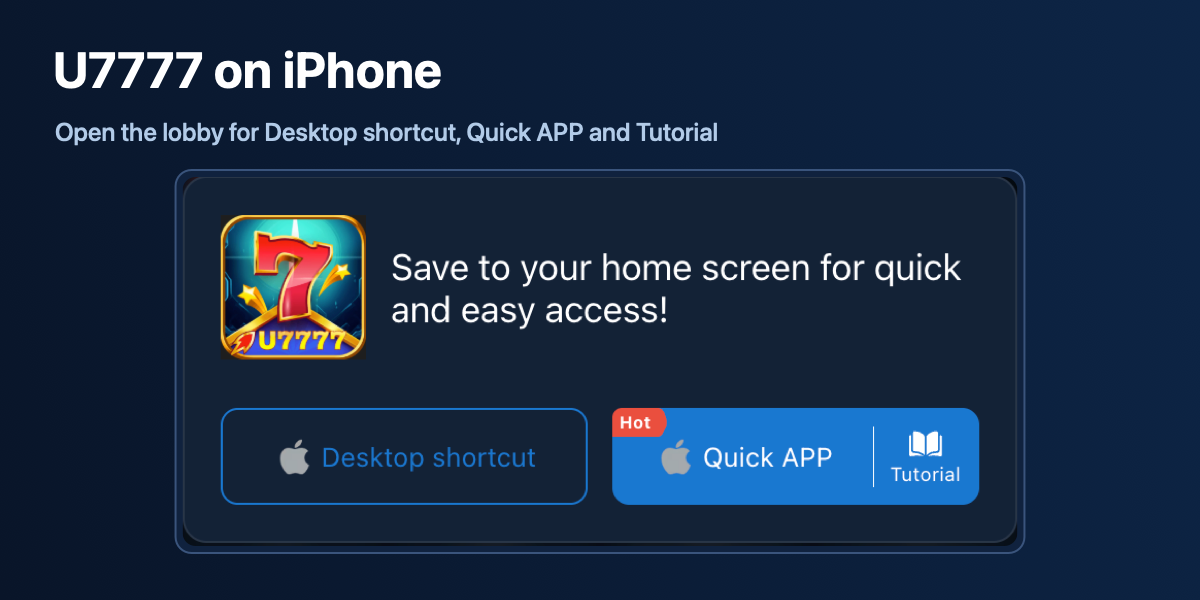
- A browser home-screen shortcut is created through the browser and points back to a website.
- If your device warns about an unexpected file or permission, pause and check with Support.
When you already have a copy
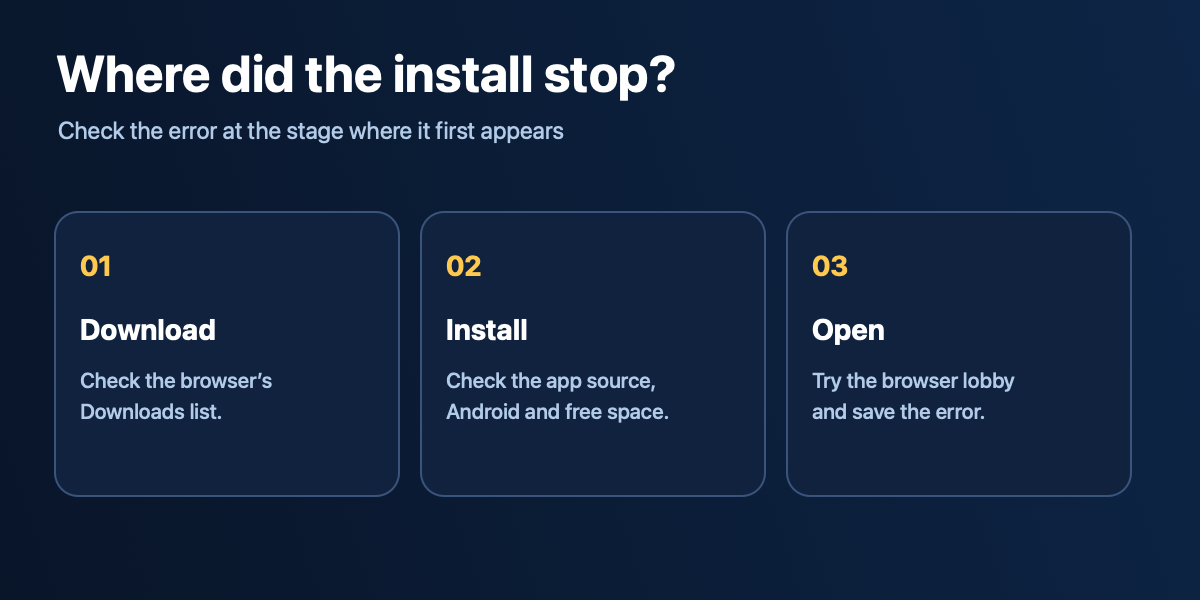
Check the source of your current copy before changing it. Save the error message and device details if your phone reports a conflict.
Compare the name, file and sign-in destination
Before opening an Android download, compare the selected build name with the lobby chooser. After opening the app or shortcut, check where the sign-in screen leads before entering account details.
What to save from an unexpected download
Keep the page address, selected app name and the warning wording. Remove personal information from screenshots and ask the in-platform Help Center which route is current.
Common questions
Can I rely on an app icon to identify the right download?
Use the opening address, publisher or source, and the prompt shown on your device. App icons and names can look alike.
Does a home-screen icon always mean an app was installed?
A saved website can also have a home-screen icon. Check how you added it and what opens when you tap it.