U7777 Game Download for Android and iPhone
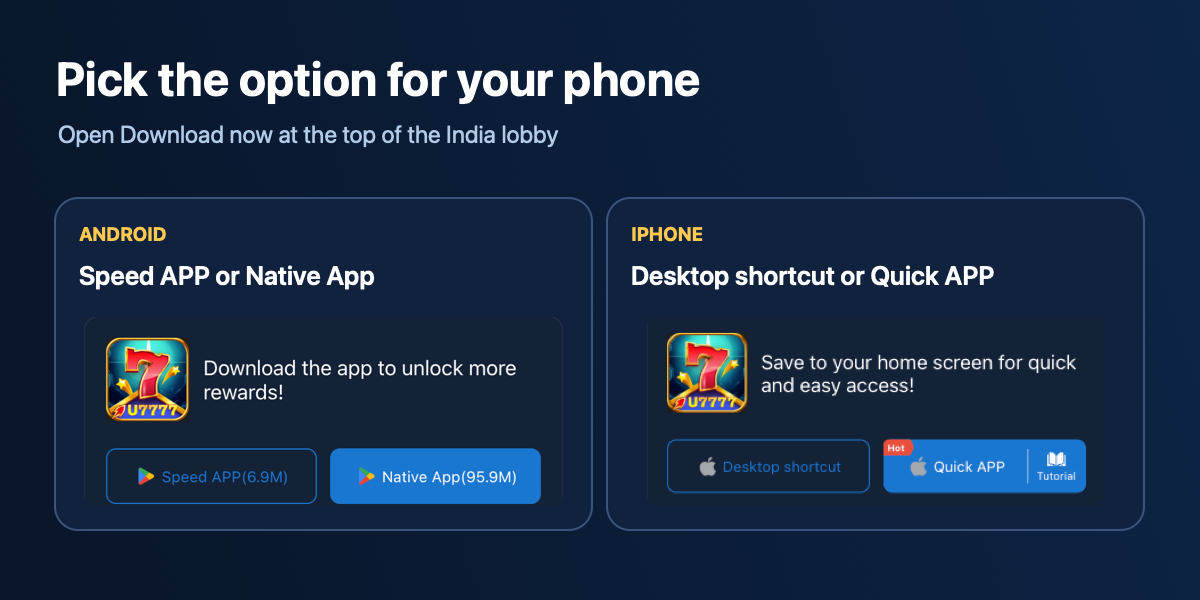
Open the U7777 India lobby and select Download now. Android offers Speed APP and Native App. On iPhone, use the Desktop shortcut or Quick APP instructions shown by the platform.
U7777 Android v2.1.9 was last updated on 15 September 2026. Check the version and source before installing or updating.
| Android version | v2.1.9 |
| Last updated | 15 September 2026 |
| Release reference | u7777.1597 |
| Publisher | U7777 India Official |
| Download source | Download now in the India lobby |
| Speed APP | About 6.94 MB |
| Native App | 64-bit full resources, about 95.88 MB |
| Android baseline | Android 5.0+; check the selected build |
| iPhone | Desktop shortcut or Quick APP tutorial in the lobby |
| Web access | Open the lobby in a browser |
| Download reward | ₹577; follow the prompt inside the app |
Start from the India lobby
Tap Open U7777 and find Download now in the pinned banner at the top. A device-specific chooser opens. Keep the lobby open until you can see which source and option your phone offers.
Android app versions and file sizes
Choose the smaller option if your mobile data or storage is limited. The larger Native App bundles full resources and is labelled 64-bit in the product details. The menu rounds the sizes to 6.9M and 95.9M.
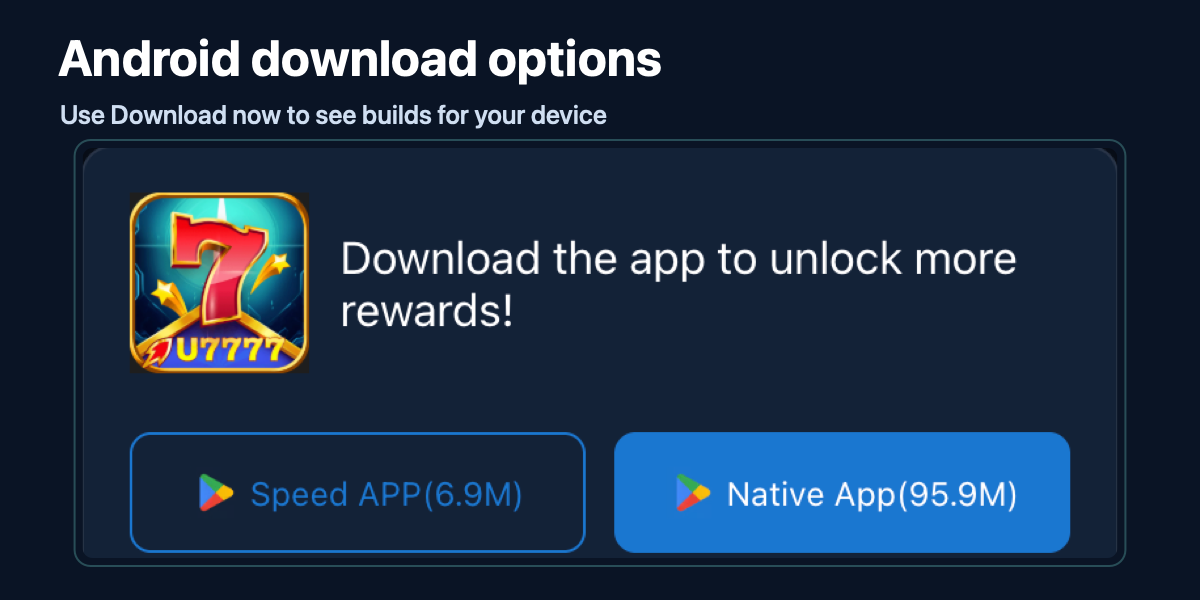
- Speed APP: 6.94 MB.
- 64-bit Native App: 95.88 MB.
- Review the current size, Android version and device compatibility before downloading.
1. Download the selected APK
Select the relevant Android option in the lobby and wait for your browser to finish. In the Downloads list, match the file to the download you just started.
2. Check the source and install
Verify the download came from the U7777 India lobby. The reported Android release is v2.1.9, published by U7777 India Official, with release reference u7777.1597. If Android shows an installation warning, check the source and keep Play Protect enabled.
The illustration below identifies the U7777 app icon and release details. Follow the prompts displayed by your own device.
3. Open the app and sign in
Once installed, open U7777 from your app list. Use Login for an existing account. If the app opens with an unexpected currency or cannot reach the lobby, compare with the browser version and send the issue to Support.
iPhone access with Safari
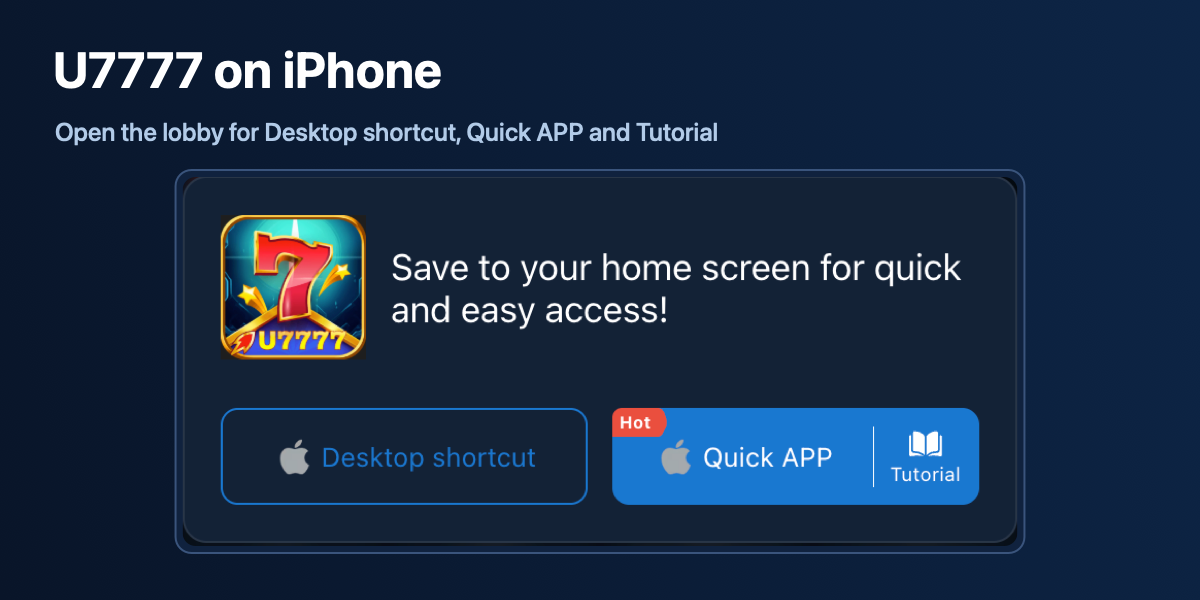
Open the India lobby in Safari and tap Download now. The menu shows Desktop shortcut, Quick APP and Tutorial. Use the option and instructions currently shown for iPhone.
For the browser route, save the page as a Home Screen shortcut and open the verified India lobby from that icon.
Add the website to your Home Screen
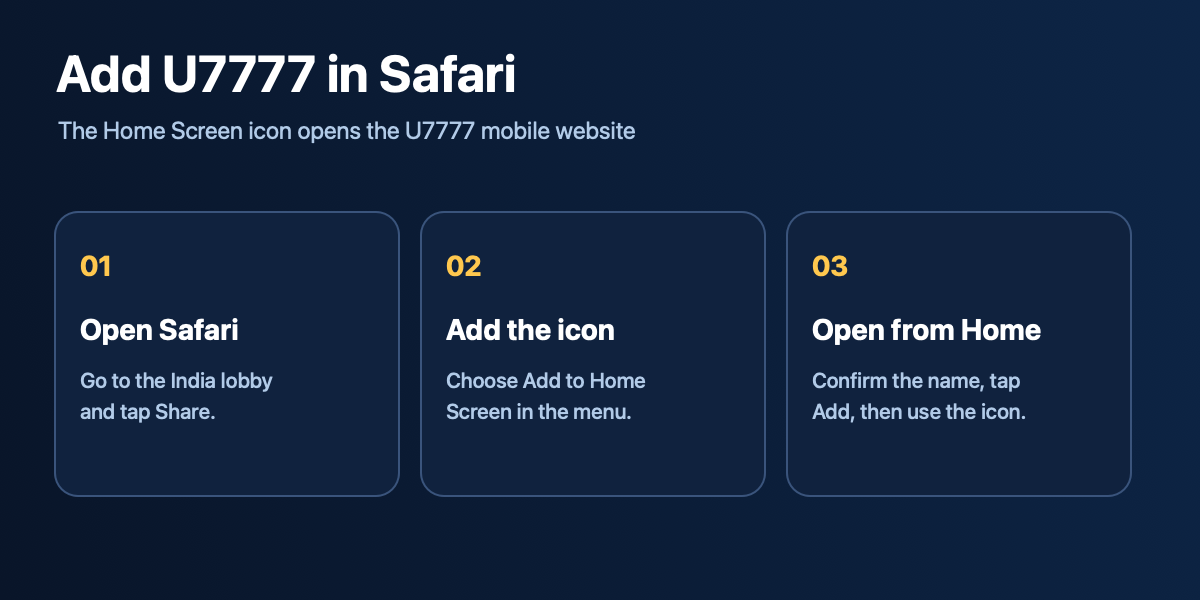
Open the lobby in Safari, tap Share and choose Add to Home Screen. Confirm the name and tap Add. Open the new icon from your Home Screen.
- With some Safari layouts, open the page menu first to find Share.
- If Add to Home Screen does not appear, scroll down or use Edit Actions in the Share menu.
- If the screen offers Open as Web App, use the option shown by Safari.
When to use the browser instead
If you only want to browse the lobby or check account access, open it in the browser. If a shortcut opens the wrong page, open the correct lobby in Safari and add the icon again.
Find and claim the ₹577 reward
Use the pinned banner to open the download chooser. After downloading, open the app and follow the reward pop-up to claim ₹577. If it does not appear, confirm you are signed in to the intended account and give Support the device and build you used.
Update an existing Android copy
Open the India lobby and check the version shown for your device. The confirmed release is v2.1.9, dated 15 September 2026, with release reference u7777.1597. Ensure you can still sign in before replacing an installed copy.
If Android reports a package or signature conflict, keep the exact message and ask Support which build matches your installed version.
Fix a download, install or opening error
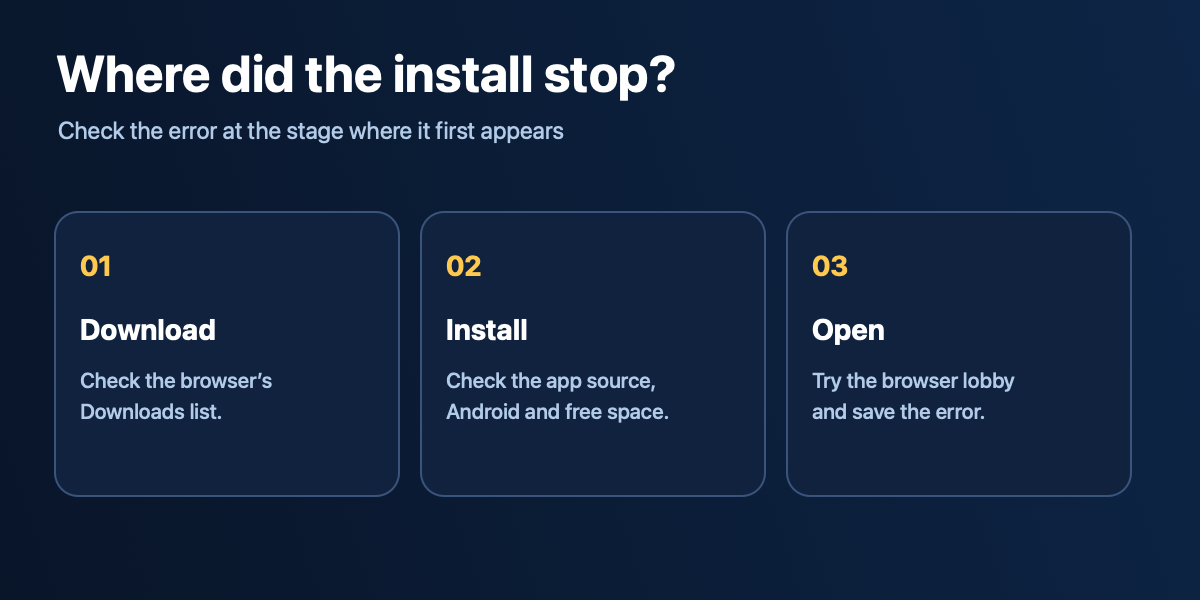
Work from the first step that failed. A browser file that has not finished and an app that opens to a blank screen require different checks.
Download stalls or the file is missing
Check your browser’s Downloads list, connection and available storage. If the transfer failed, return to the lobby and start a fresh download from the same build option.
Android says App not installed
Check storage, the system version and which Native build you chose. If the download was incomplete, fetch it again from the lobby. Save the exact wording if it fails twice.
App opens but cannot load the lobby
Try the India lobby in a regular browser tab to see whether account access still works. Send the device model, Android or iOS version, the selected build and the error to Support.
Common download questions
Android APK files are for Android devices. On iPhone, use Safari and the instructions the platform shows. If a website gives you an APK before you reach the U7777 lobby, pause and check the source before opening it.