Track a U7777 Deposit or Withdrawal
Use the original INR order to distinguish a pending payment, a cashout under review and money already sent to the receiving bank.
Identify the existing order
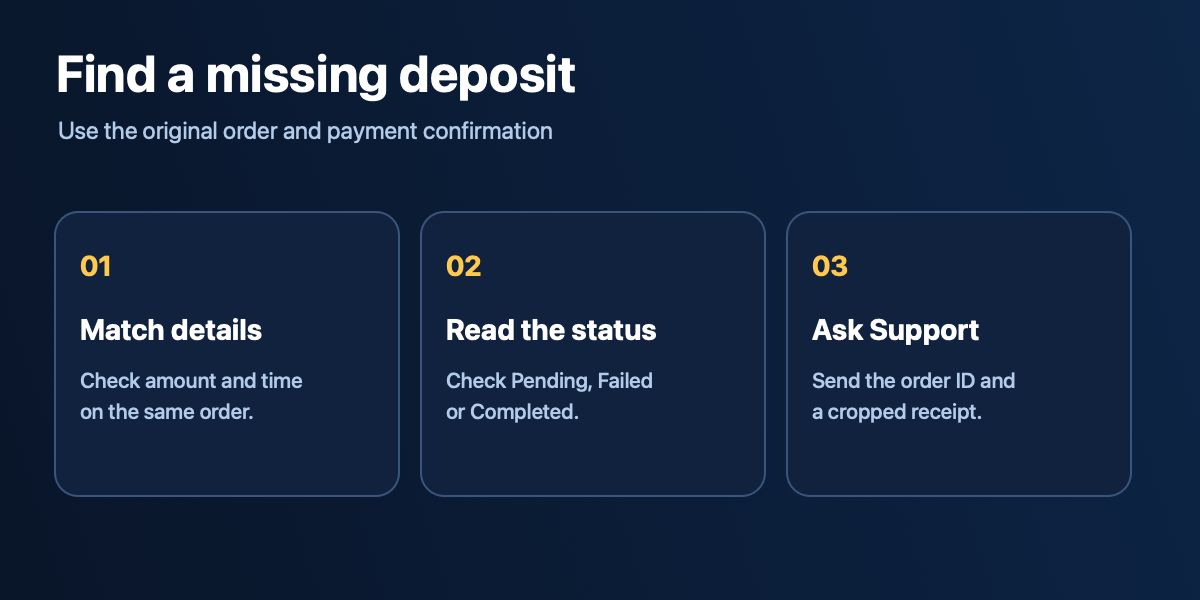
Find the matching amount and time in your deposit or withdrawal history. Keep its original reference and check what the platform shows.
Deposit: payment debited but wallet unchanged
Compare the platform record with the payment confirmation. If the payment came through after expiry, tell Support both the order expiry and the actual debit time.
Withdrawal: review versus bank credit
While a withdrawal is under review, look for requests on the account. Once the platform shows it was sent, compare the bank record and save the transfer reference if shown.
Rejected, failed or returned
Read the reason and check where the money is before starting a new order. If the platform and receiving records disagree, ask Support to check the original reference.
Make the support request easy to match
Include order type, amount, time, order status and the original reference. A receipt crop can help as long as it hides full payment information and unrelated transactions.
Common questions
Should I repeat a pending payment?
First compare the original order with any debit. Use its reference when asking Support to check it.
What if withdrawal review is complete but I have not received the money?
Check the receiving bank details and reference, then ask Support to compare the order and bank status.