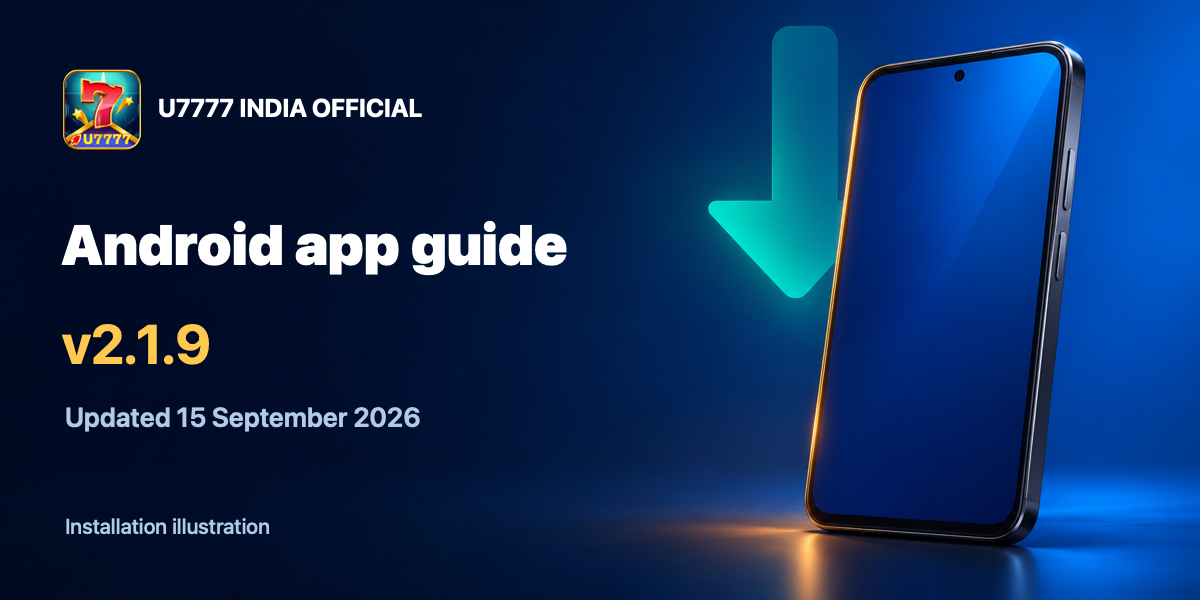
U7777 Android Download or Installation Failed
Identify whether U7777 failed to download, install or open, and collect the device and error details that make the next step clear.
Find where the problem started
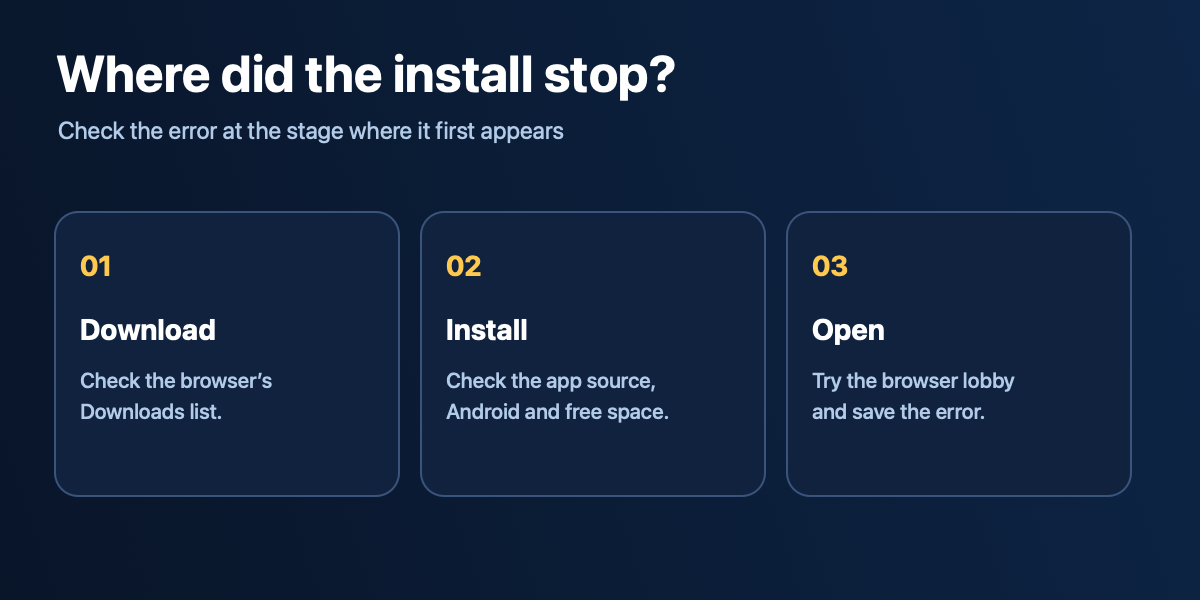
If tapping Download now opens a chooser, select the Android build. A file that never finishes belongs in the browser check. An error immediately after opening the file belongs in the installation check.
If there is no completed file
Look in the browser’s Downloads list, check the connection and clear enough storage. Restart the download from the same India lobby option if the old attempt failed.
If Android says App not installed
Check your Android version, free space and the chosen build. If it says the package is invalid, record the exact wording and compare with a fresh download from the lobby.
For the confirmed release, check v2.1.9 against the installation information provided through the platform.
If Android warns about the source or a conflict
Keep Play Protect enabled. Check the exact source and build before continuing. If you already have an installed copy, note its origin and ask Support about compatibility.
If the installed app will not open the lobby
Open the platform in a browser to check whether the account can still reach the lobby. Send Support your device model, OS version, build, error and the time it happened.
Common questions
What should I check first?
Check whether your browser shows the file as completely downloaded.
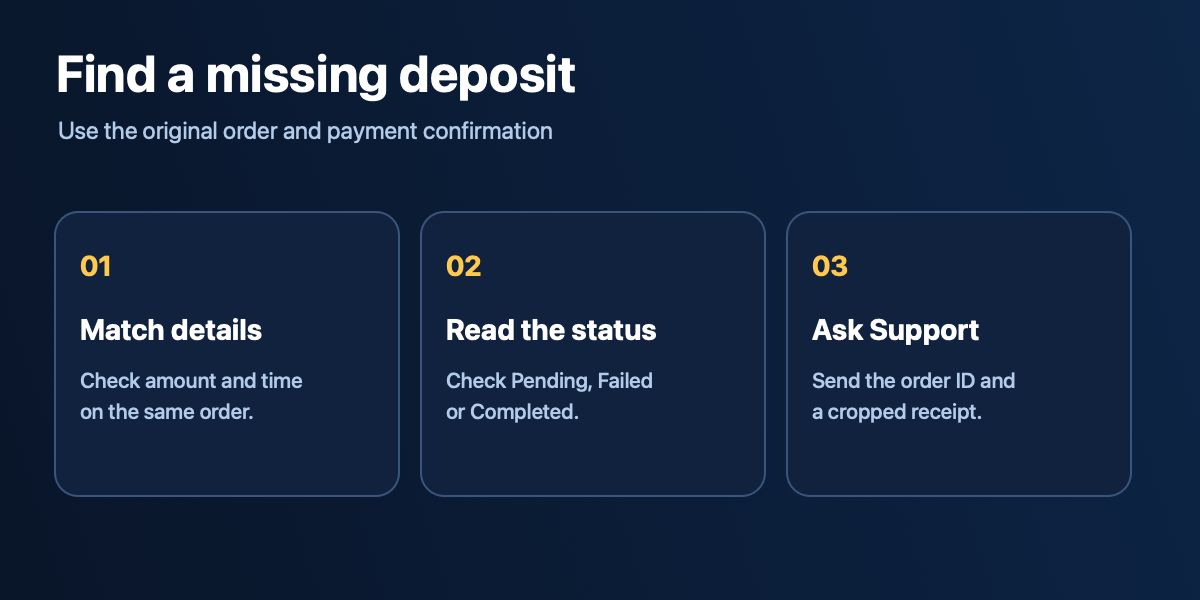
What information helps Support?
Device and Android version, selected build, where the error appeared and the exact message.