
U7777 Customer Support and Help Center
For questions about an account, game, offer, transaction or privacy, open the U7777 lobby and select Support or the Message Center.
Open U7777 Customer Service
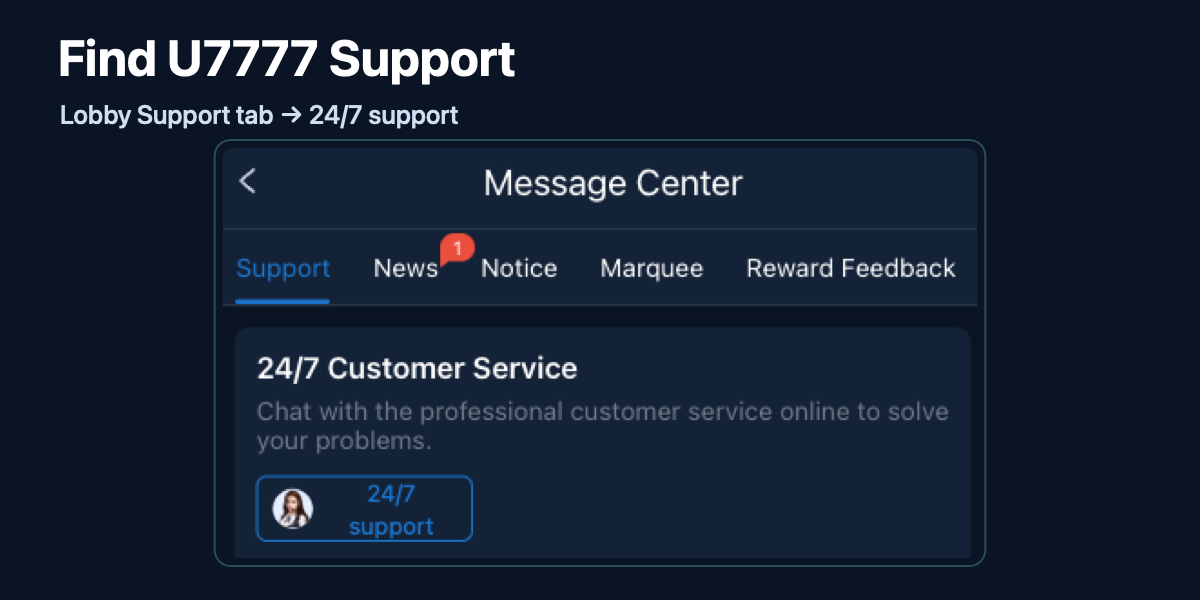
Tap Login to open the India lobby. Sign in if the issue relates to your account, then select Support. Choose 24/7 Customer Service or the Help Center. Prepare a short description, relevant reference and approximate time.
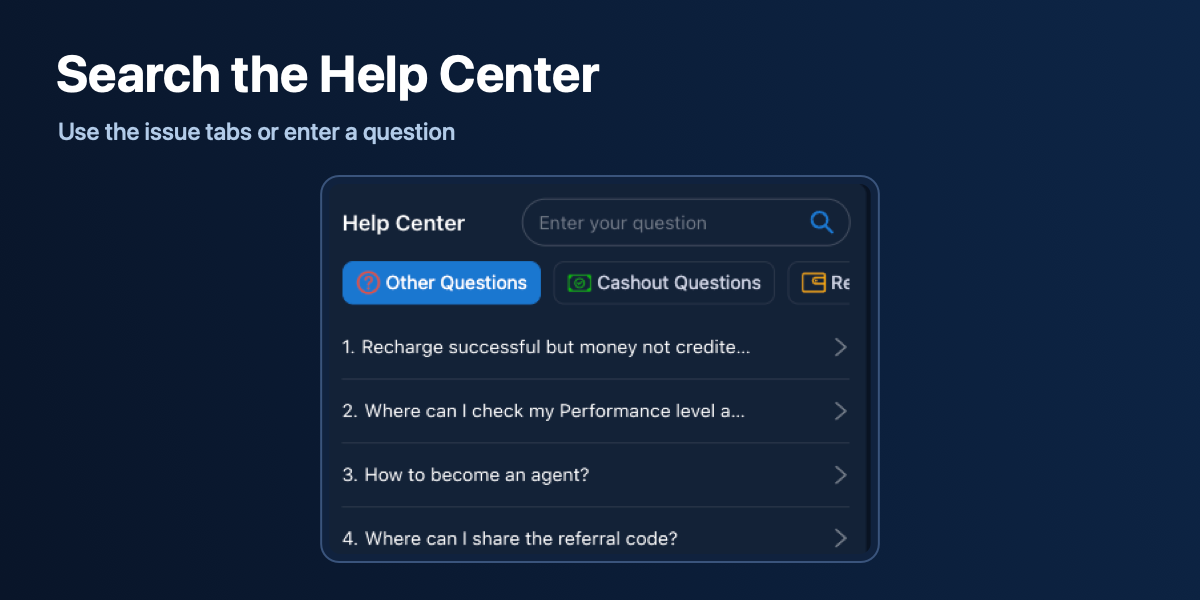
Search the Help Center before opening a case
Scroll down to Help Center and use Enter your question. The checked screen has Other Questions, Cashout Questions and Reload Questions. Use the issue that matches the stage where you got stuck.
Use contact options shown in Other Support
Open Other Support in the Message Center to see the currently listed channels. The checked screen lists options for WhatsApp, Telegram and Instagram. Start from the in-platform menu to see the current contact.
Get help with a download or app problem
Give the phone model, system version, browser and whether you chose Speed APP, Native App or the Safari shortcut. Describe whether the download starts, finishes or fails during installation.
Get help with login, SMS and recovery
Tell Support which screen you reached: Password Login, Code login or Identity Verification. Share the error and whether you still have access to the registered number. Keep the code and password private.
Registration issues
For a duplicate-account or verification error, give the field label and exact message. Review the Login and Register tabs before starting a new account.
Get help with deposits and bank cashouts
Choose Cashout Questions or Reload Questions in the Help Center, or contact Customer Service. Say whether the money was debited, approved, transferred or returned.
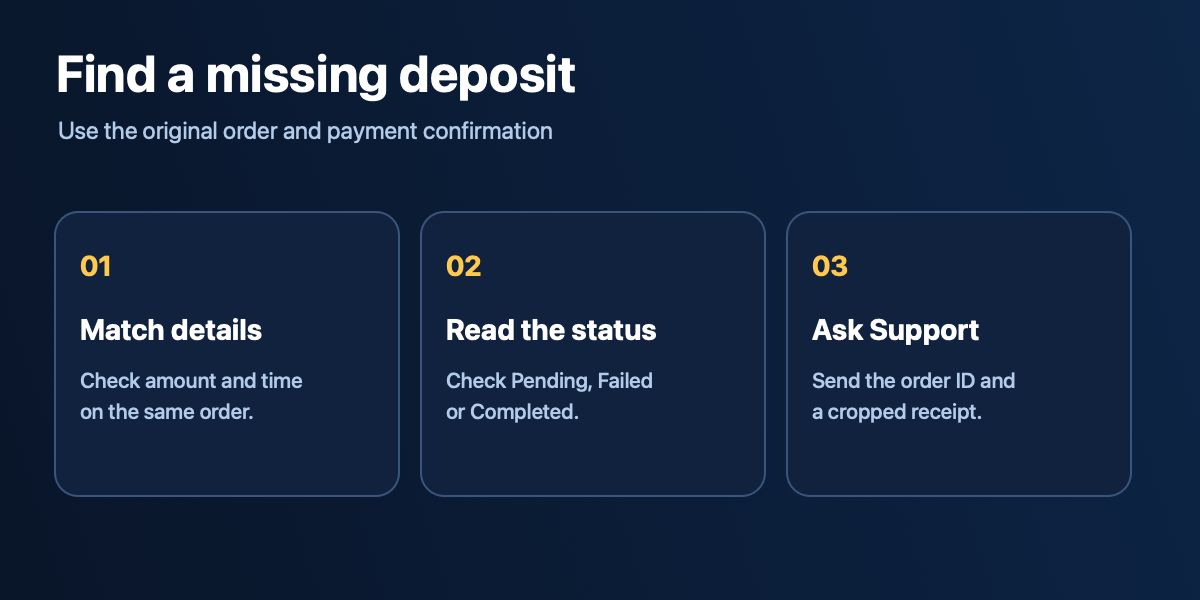
- Deposit: include the transaction reference, amount and approximate time.
- Withdrawal: include the reference, amount, approximate time and the latest bank or account status.
Get help with a reward
Name the promotion and include the message you see. For the ₹577 download reward, say which build you used and whether the reward pop-up appeared inside the app.
Game questions
Include the game title and its provider if shown. Describe the screen or game step you want help with, and include the approximate time if you are reporting a specific issue.
Privacy requests
Explain whether you want to ask about, correct or request deletion of your information, withdraw applicable consent or raise a privacy concern. Use the platform’s Support or Message Center and keep passwords and verification codes private.
Share only the details needed for the case
Crop screenshots to the message, time or order. Keep passwords, SMS codes, payment PINs and full account details private.
Follow up using the original case reference
If Customer Service gives you a case number, keep it and add new evidence to the same request. Note any action the representative asks you to complete in the platform.