
U7777 India Rewards: ₹577 Download, First Deposit and Fund
Check the offer you saw before you act. The pinned download banner, the first-deposit card and Fund each show different claim or withdrawal conditions.
Where to find each offer
Use the lobby banner for the app reward, Event → Player Rewards for the first-deposit card, and Fund → Rules for the Fund terms.
- ₹577 app reward: check the prompt inside the downloaded app.
- First Deposit Extra Reward: qualifying first deposit, manual app claim and turnover on the bonus.
- Fund: SMS verification and wagering calculated from the qualifying deposit principal.
₹577 app download reward
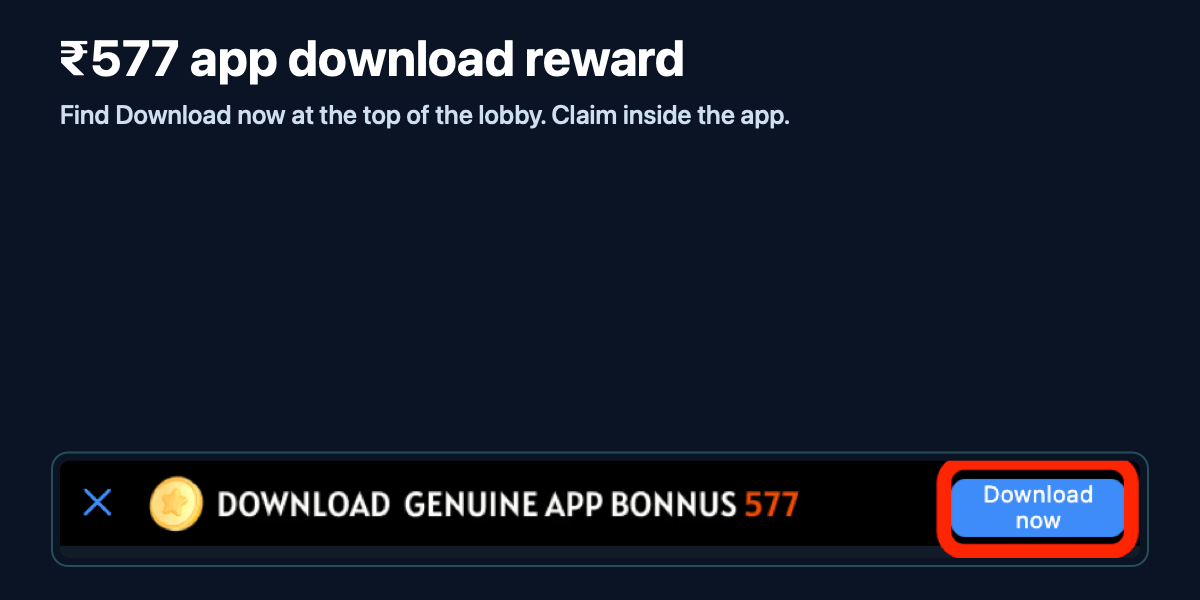
Look for the ₹577 app reward banner pinned to the top of the U7777 India lobby. Tap Download now and choose the option shown for your device.
After downloading, open the app and follow the reward pop-up to claim ₹577. The download offer has no set expiry date.
First Deposit Extra Reward
Go to Event, then Player Rewards, and open First Deposit Extra Reward. The INR card gives one qualifying chance per account and lists an amount for each first-top-up tier. For example, ₹100 maps to ₹30 and ₹300 maps to ₹60.
The checked rules show a qualifying top-up via Total deposit and a manual Android or iOS app claim from 07:00 the following day. They require 5× valid turnover on the bonus portion. Check the claim cutoff on the card and use the time shown by the platform.
Check the Provident Fund rules before depositing
Open Promo, then Fund and Rules. The INR rules show a 7% fund bonus on each qualifying single deposit of at least ₹300, with SMS verification to claim.
The bonus goes to the Fund account. The checked rules require valid wagering of 10× the qualifying deposit principal before transfer to balance. A Fund credit and available balance have separate statuses. Check the reset and expiry details in Fund.
Check four things before you claim
- Eligibility: who can claim and whether a prior action is required.
- Timing: the claim window and any separate expiry or usage deadline.
- How it’s credited: whether you need to claim it or it appears automatically.
- How it can be used: which activities count and whether conditions apply before any cashout.
If an item still shows as unclaimed
Open Unclaimed and compare the card’s current status with its instructions. If you expected a reward, include the event name and time when contacting Support.
If the reward card is missing or has changed
Confirm you are in the INR lobby and signed in to the correct account. Check the relevant card or in-app claim screen. Capture the name and wording you see before asking Support.
Common questions
Can two accounts see different Promo items?
Use the cards and conditions shown in your signed-in account. Check the eligibility stated on the item you plan to claim.
Where do I find the ₹577 download reward?
Download through the pinned banner. Open the downloaded app and follow the reward pop-up to claim ₹577 inside the app.
What is the waiting period for the checked first-deposit reward?
The INR card says manual app claims open from 07:00 the next day. Check the event’s claim deadline and the 5× bonus turnover condition.
How do I read the 7% Fund requirement?
Open Promo → Fund → Rules. The checked card requires a qualifying deposit of at least ₹300, SMS verification and wagering equal to 10× qualifying principal before transfer to balance.