
U7777 Login, SMS Code and Password Recovery
At the top of the India lobby, tap Login. Use Password Login or Code login, or open Forgot Password if you cannot use your usual method.
Open Login from the India lobby
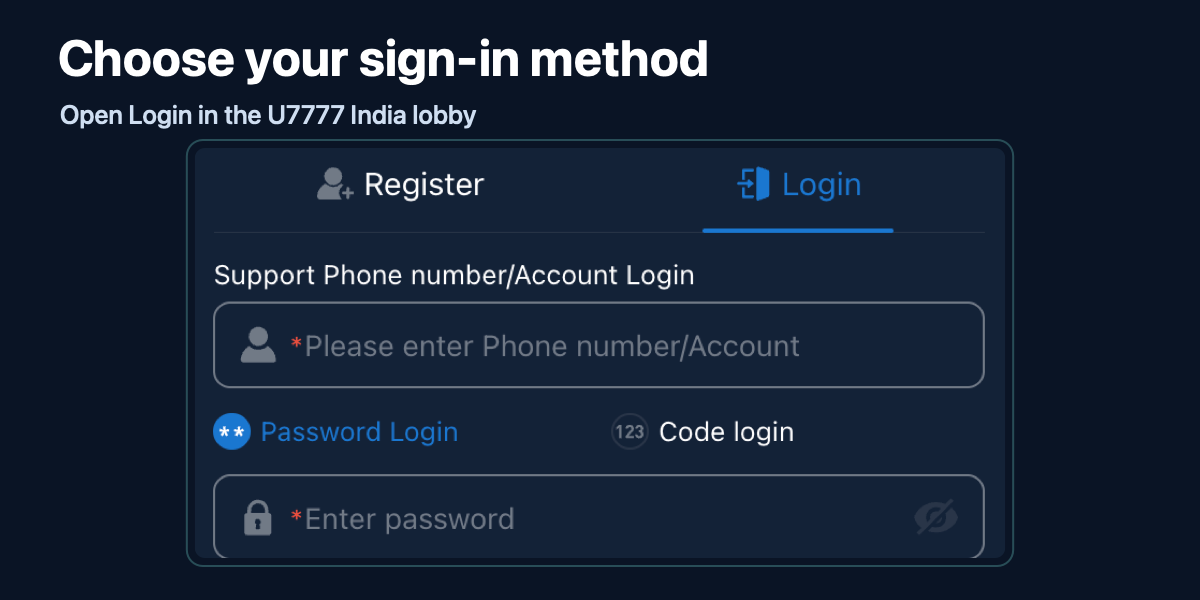
Tap Login in the site header or bottom bar to open the India lobby, then select Login beside Register. Use this option for your existing account, including on a new phone.
Password Login
Enter the registered phone number or account name, select Password Login and enter the password. Tap Login. If you have several saved logins, check which account your browser has selected.
- Use Remember account password only on a phone you control.
- The panel also shows a Google icon under Quick login. Choose it if that is already linked to your account.
Code login with a +91 number
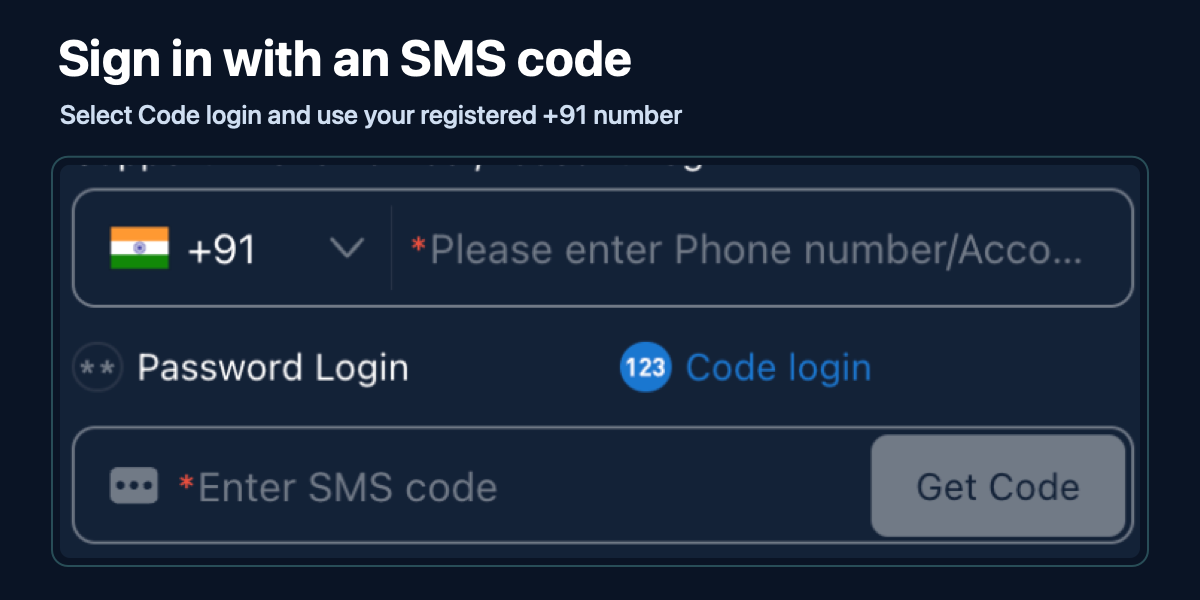
Select Code login. Check +91 and your registered mobile number, tap Get Code, then enter the SMS code and tap Login.
Recover your U7777 password
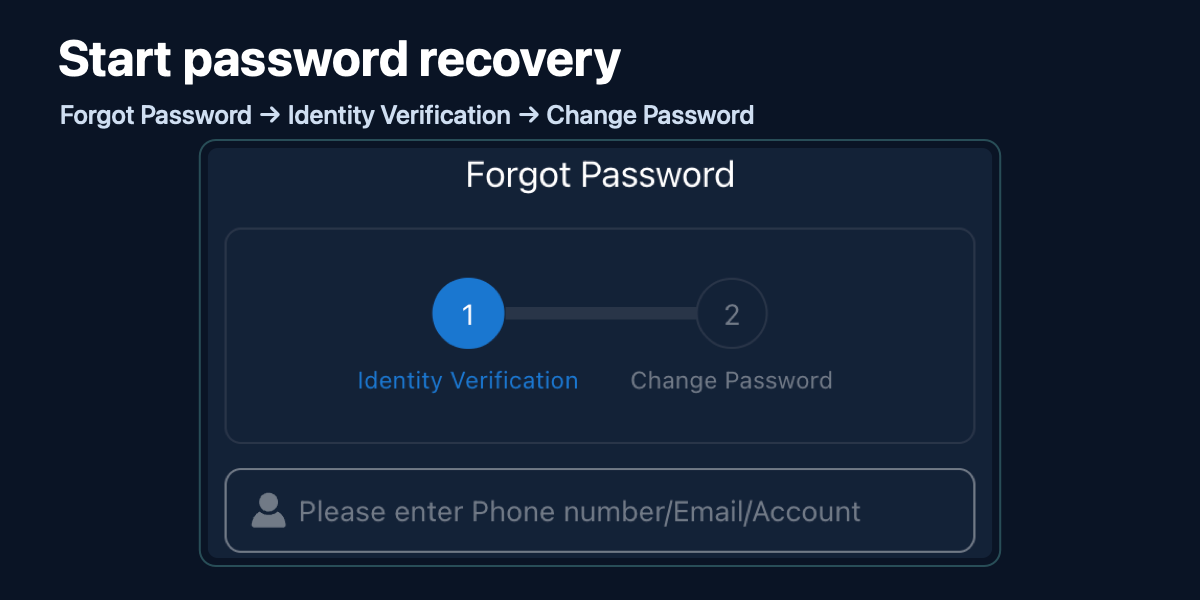
Tap Forgot Password below Login. On the first Identity Verification screen, enter the phone number, email or account name tied to your account, then tap Next.
Option 1: Receive a verification code
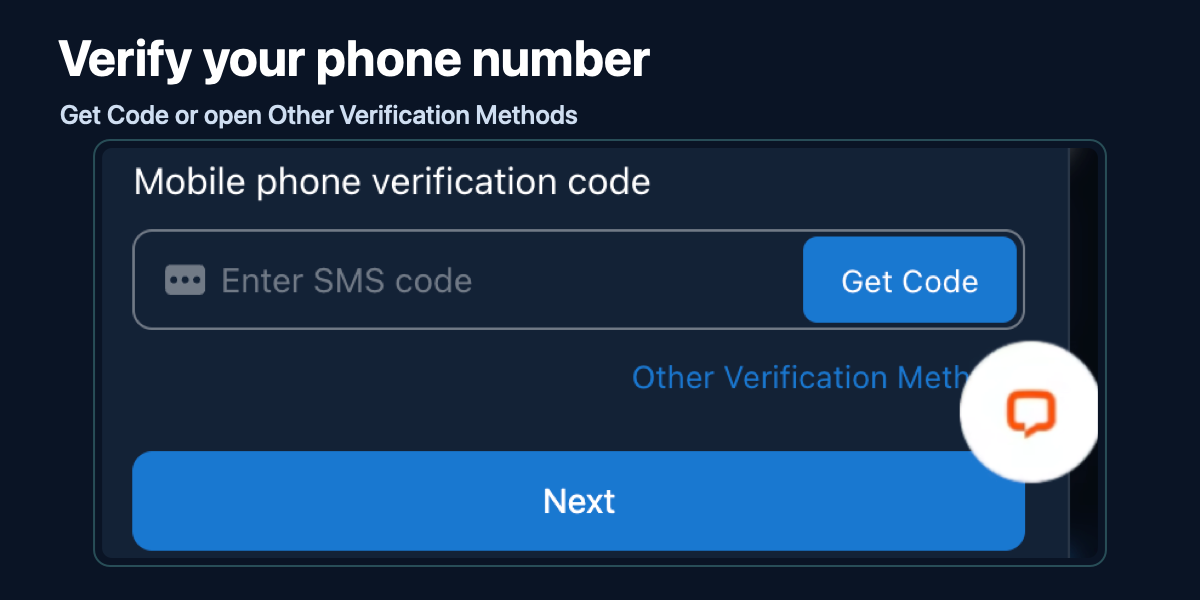
Select the registered mobile number when shown. Tap Get Code, then enter the code you receive and continue to the Change Password step.
Option 2: Send an SMS from your phone
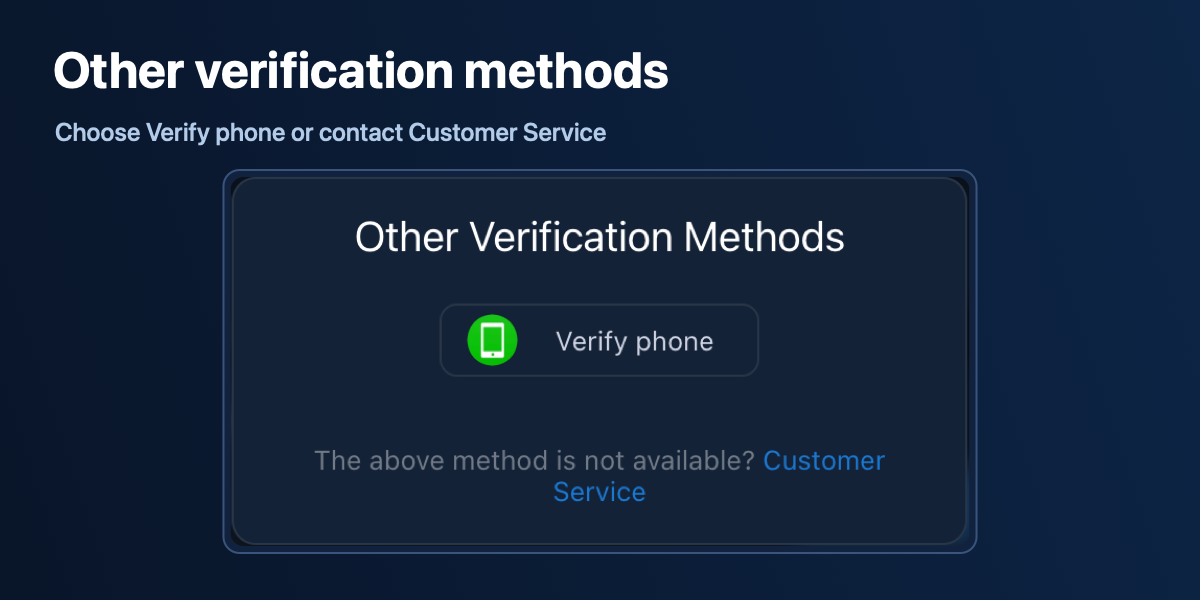
Open Other Verification Methods and tap Verify phone. If prompted to send an SMS, follow the number and message shown by the platform. Complete the identity check before you change the password.
Option 3: Ask Customer Service
If Verify phone or the SMS code option is not available to you, choose Customer Service in Other Verification Methods. Tell them the verification step you reached. Keep passwords and SMS codes private.
The SMS code did not arrive
Check the registered number and the country code. Wait for the resend option and use the newest code. The login form has a Customer Service link next to its missing-code help.
The password is rejected or the screen is blank
For a rejected password, check you are signing into the right account and then use Forgot Password. For a blank page, open the lobby in a regular browser tab and compare with the installed app.
What to send Support
Share your phone model, browser or build, the exact message and when it appeared. Crop out passwords, one-time codes and complete contact information.